Search overlay
Press Ctrl+Shift+Space to find and insert any macro without remembering its hotword.
Click into the text box where you want the reply.

Press Ctrl+Shift+Space to open Makro search. The shortcut is the same on Mac.

Type any word from the macro title or text, for example "refund".

Press Enter to insert the top result, or use the arrow keys to choose another one first.
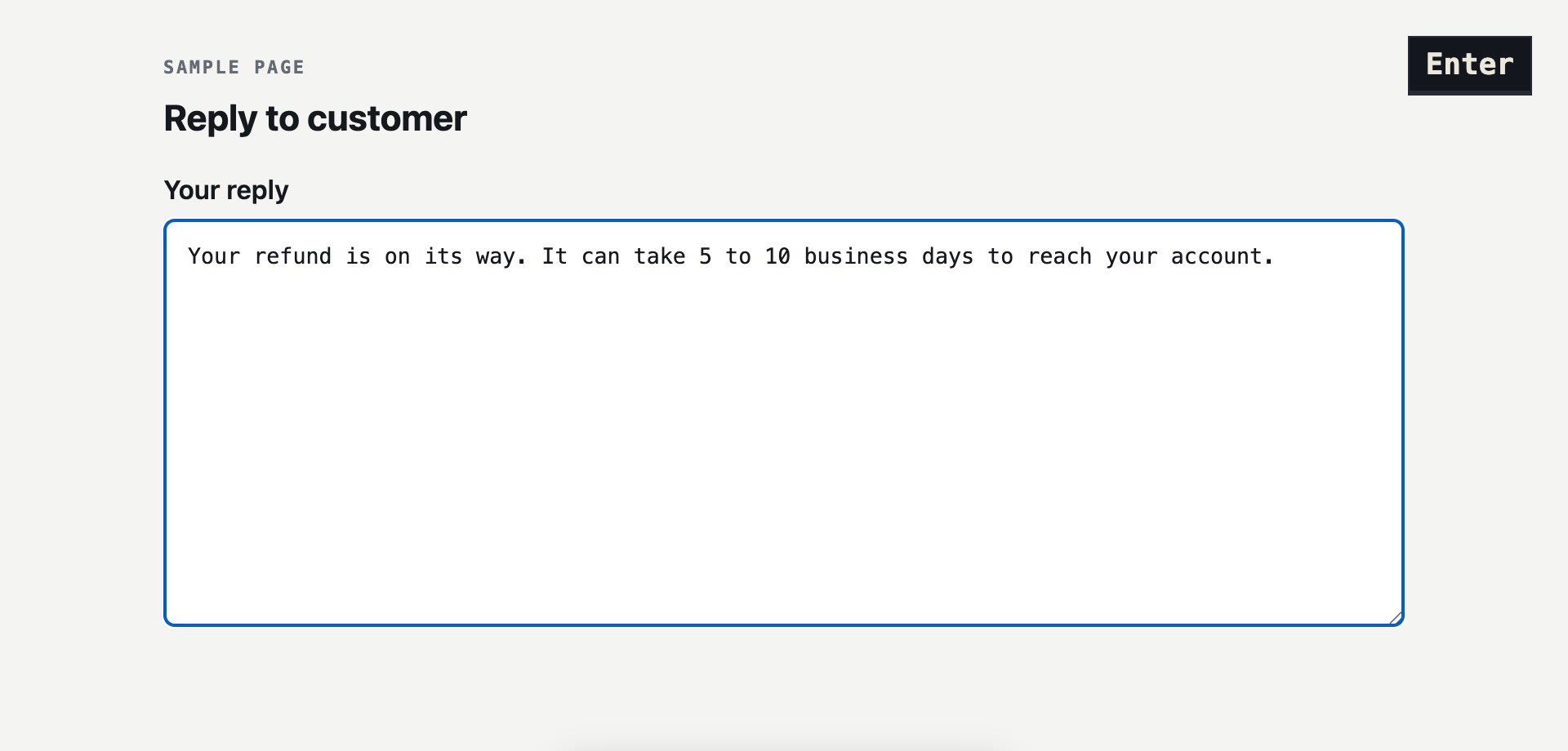
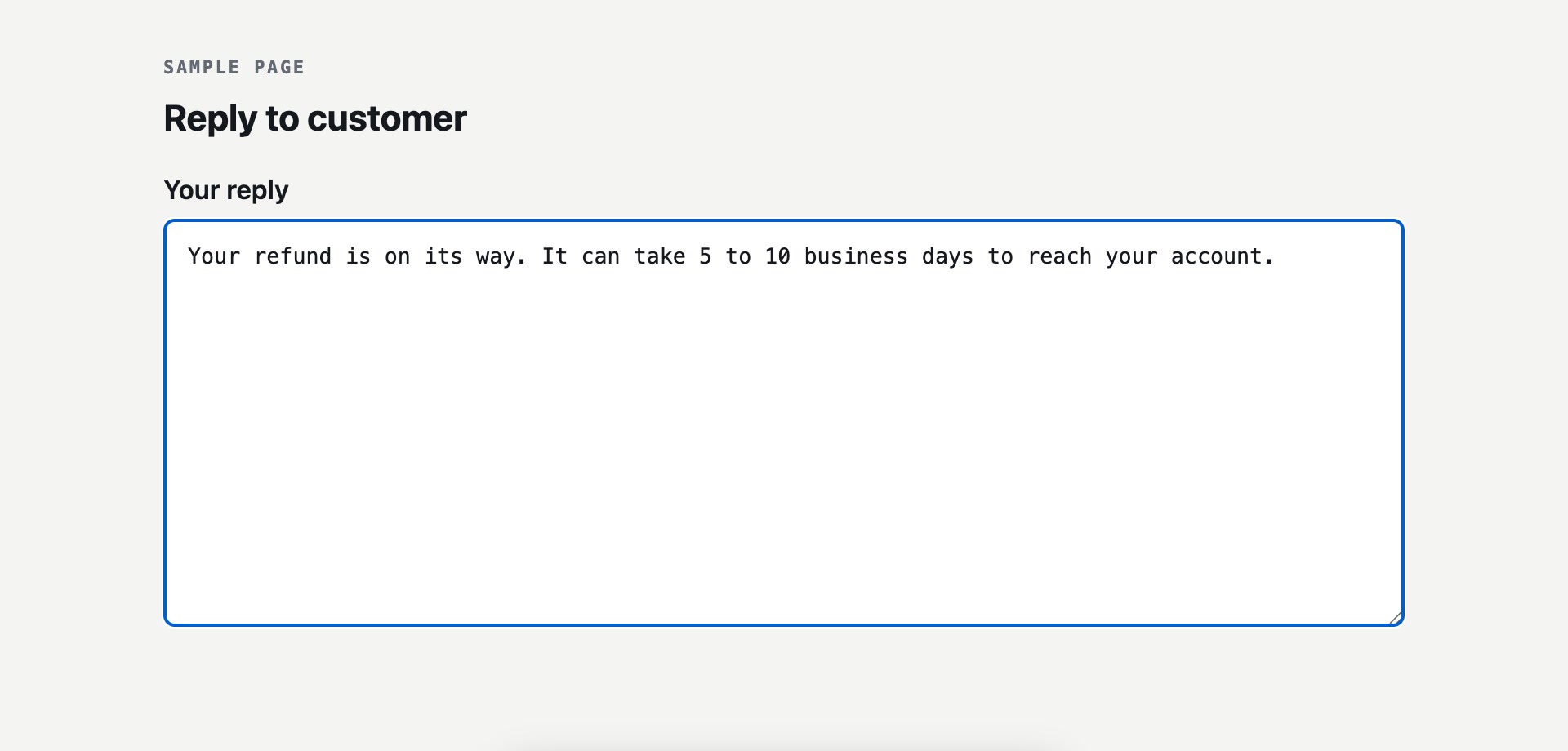
The macro text goes straight into the box, with no hotword to remember.
Change the shortcut
You can set a different search shortcut in Makro settings if Ctrl+Shift+Space clashes with another app.